1
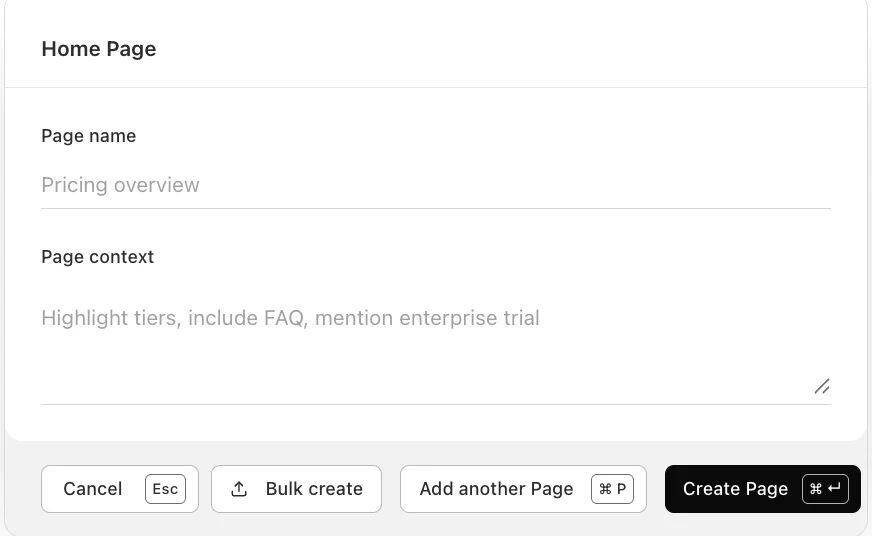
Create
Tell the agent what page you want to make and what you need. The agent assembles the layout and content for you as you watch it build live.
Example
“Create an ad landing page for Access Control. Use a single primary CTA, include social proof, and keep the page focused on demo requests.”
2
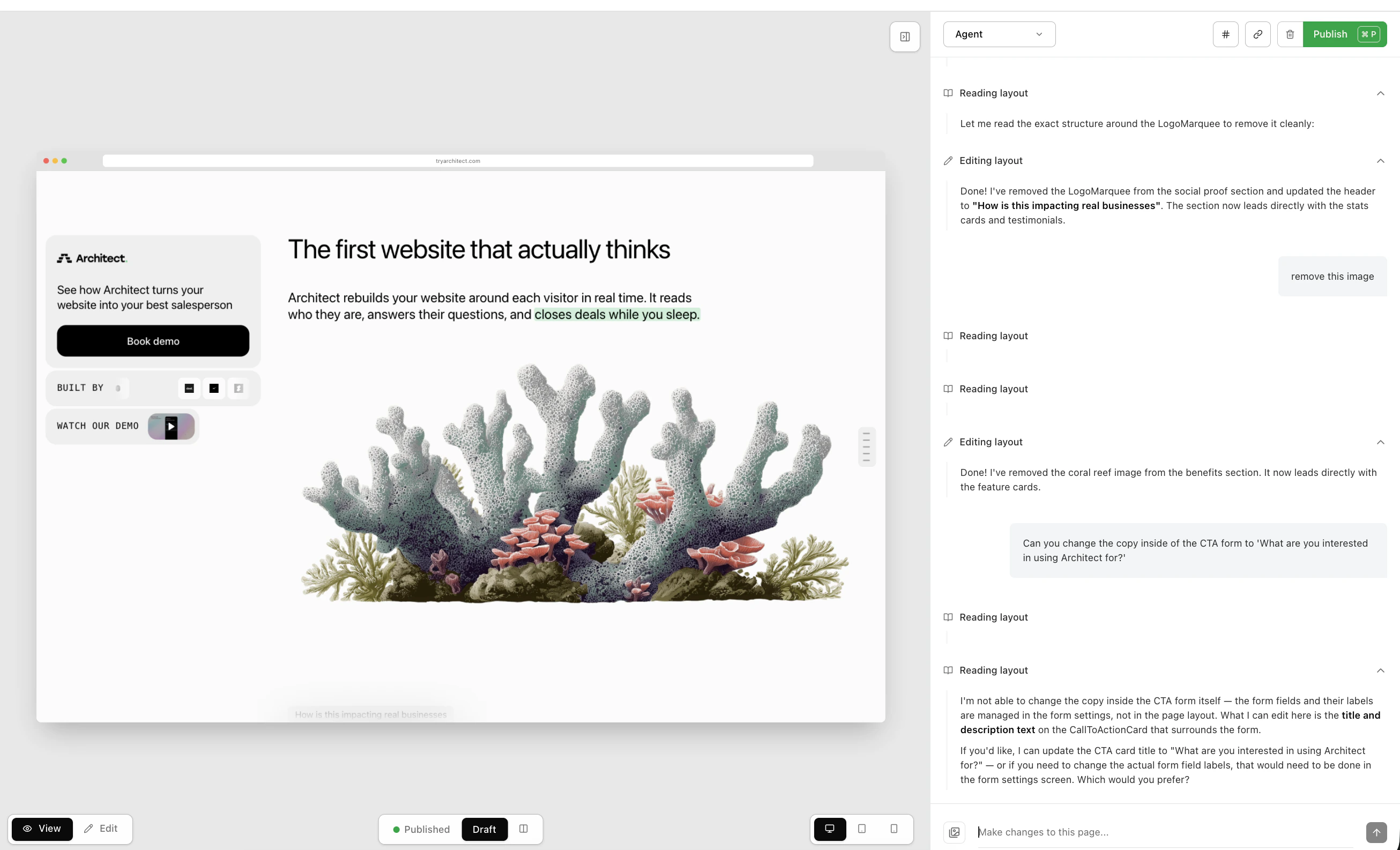
Edit
Use the agent to iterate fast: tighten the headline, swap sections, adjust the CTA, and tailor the copy to your campaign.
Example
“Rewrite this hero for IT directors, shorten the features section, and add a testimonial block above the fold.”
3
Publish
Click Publish, then copy the URL.
Click Publish to generate a live link. Open the page and interact with it to see how the experience changes.