

Documentation Index
Fetch the complete documentation index at: https://docs.tryarchitect.com/llms.txt
Use this file to discover all available pages before exploring further.
Upload your Prospects
Add your prospects to the platform so the agent knows who to personalize pages for. You can upload them individually or in bulk via CSV.
prospects.csv
| Name | Phone Number | |
|---|---|---|
| Jane Smith | jane@acmecorp.com | +1 (555) 123-4567 |
| Tom Chen | tom@northwind.com | +1 (555) 987-6543 |
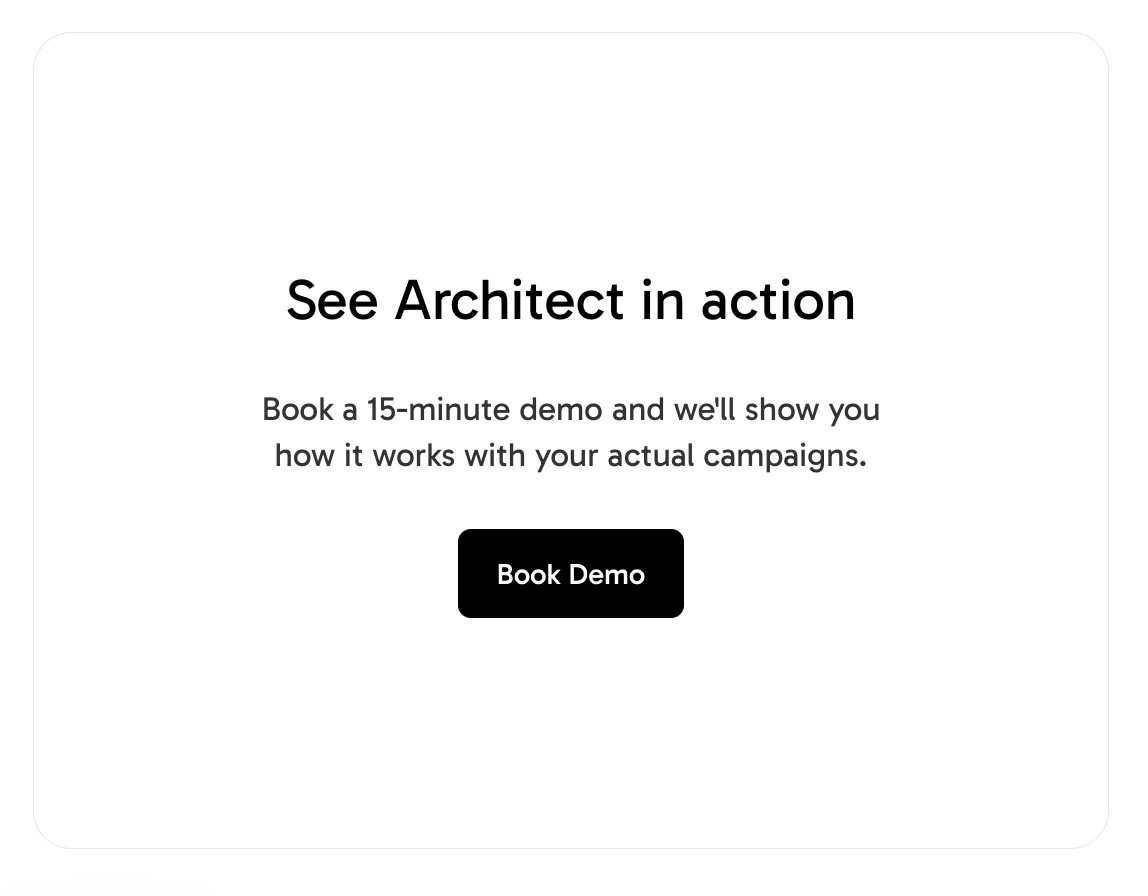
Create a Group and set the CTA
Create a new Page for the campaign, then set the final destination — a URL or form — where you want prospects to convert.
Tip
Use one Page per campaign so you can keep the CTA consistent across all pages.
Bulk create pages from the People tab
Go to the People tab and bulk create pages for each prospect. The agent will enrich every profile and generate a personalized page for every person in your list.
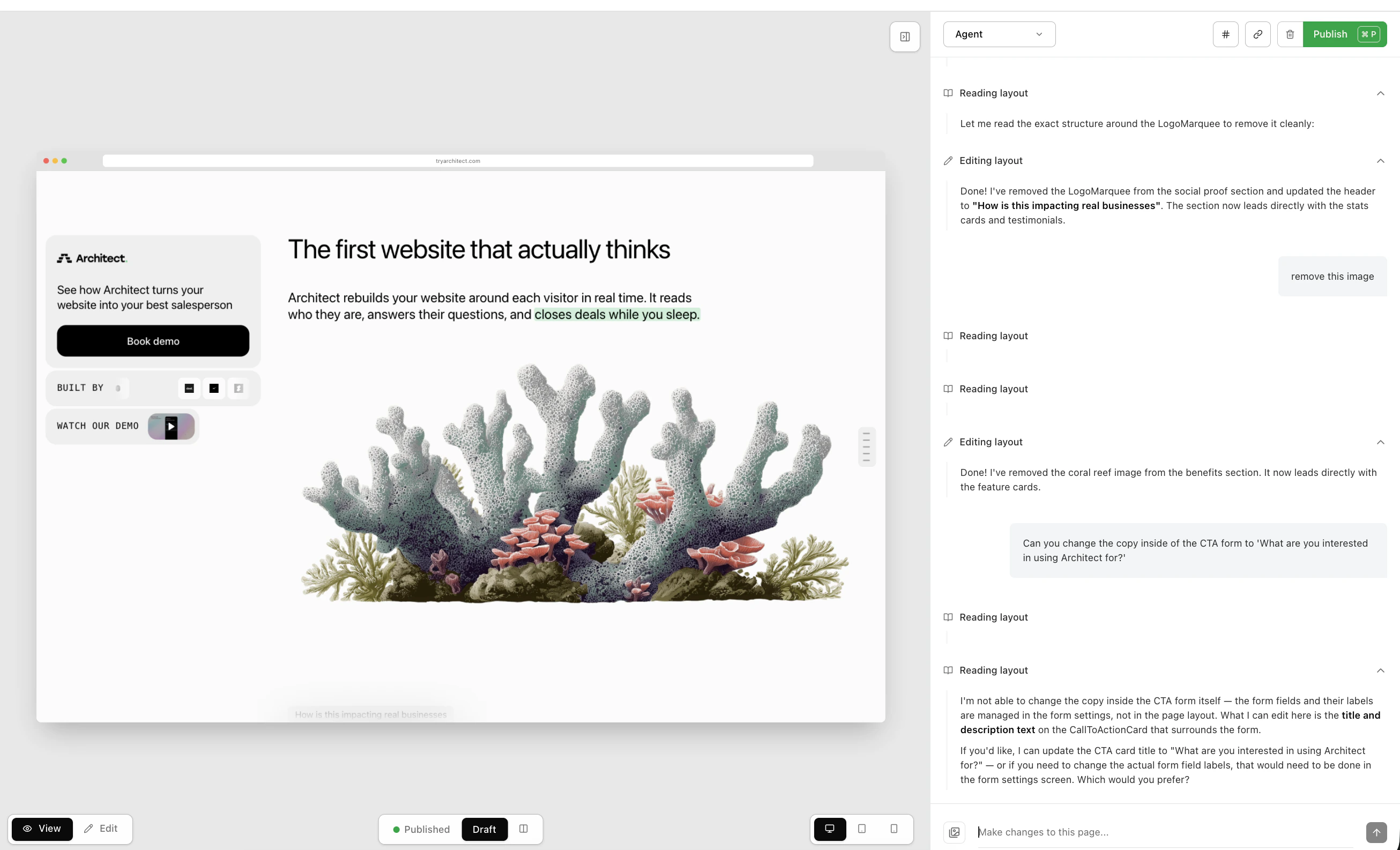
Publish and export
Publish the pages, export the list of live links, and share it with your team.
Export the list of published links and share it with your team.