

Documentation Index
Fetch the complete documentation index at: https://docs.tryarchitect.com/llms.txt
Use this file to discover all available pages before exploring further.
Choose a campaign
Start with a campaign where you already have a good benchmark, so you can measure lift.
Campaigns
Access Control - Search
BenchmarkStable spend, consistent conversions
Video Surveillance - Search
NewLess data, harder to compare
Pull your ads CSV
Export your ads data so you have the ad groups, keywords, and headlines you want to map to pages.
ads.csv
| Ad Group | Keyword | Headline |
|---|---|---|
| Access control | access control system | Modern access control |
| Door security | keycard entry | Secure entry for offices |
Create pages for ad groups and keywords
Create pages around the specific ad groups and keywords. Make sure you include the keywords in the page context.
Page context
Create a landing page for the keyword access control system. Keep a single CTA, include social proof, and mirror the headline language.
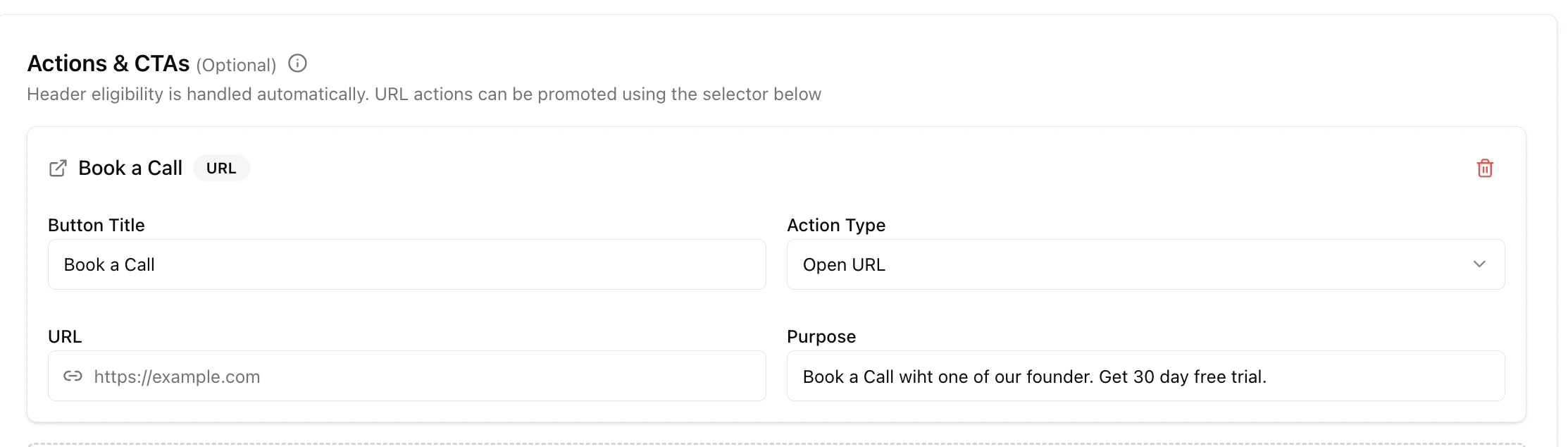
Set up CTA tracking
Set up tracking (for example, with Google Tag Manager) so you can measure CTA clicks and conversions.
Update your ads
Change each ad group, ad, or keyword to point to the final page URLs you generated.
URL mapping
| Ad group | Final URL |
|---|---|
| Access control | try.yourcompany.com/access-control |
| Door security | try.yourcompany.com/keycard-entry |
Track performance
Monitor analytics and conversions. Keep the campaign stable and iterate based on what converts.
What to watch
Conversions over time
Upward trendUse your benchmark campaign as the baseline.