Hero
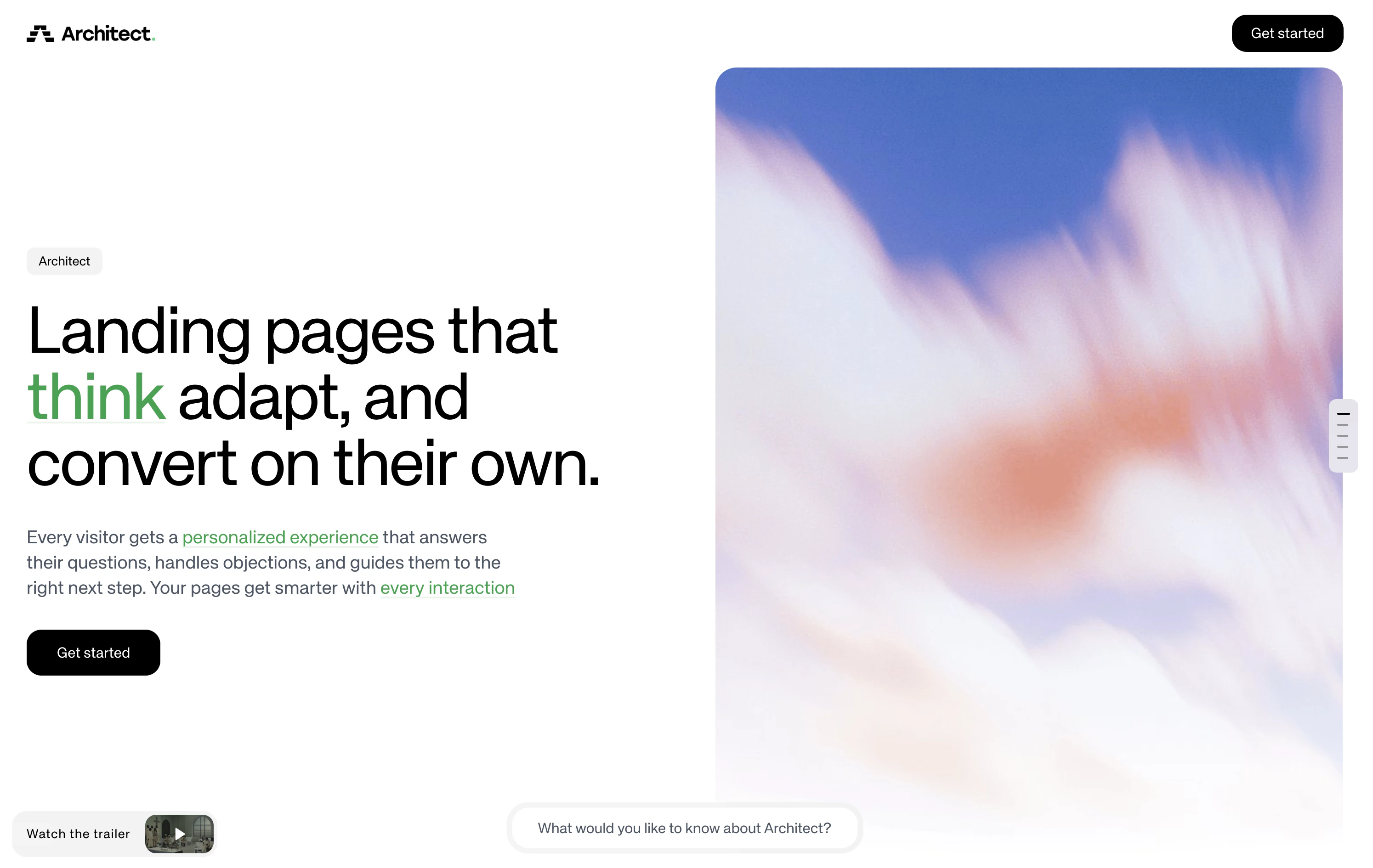
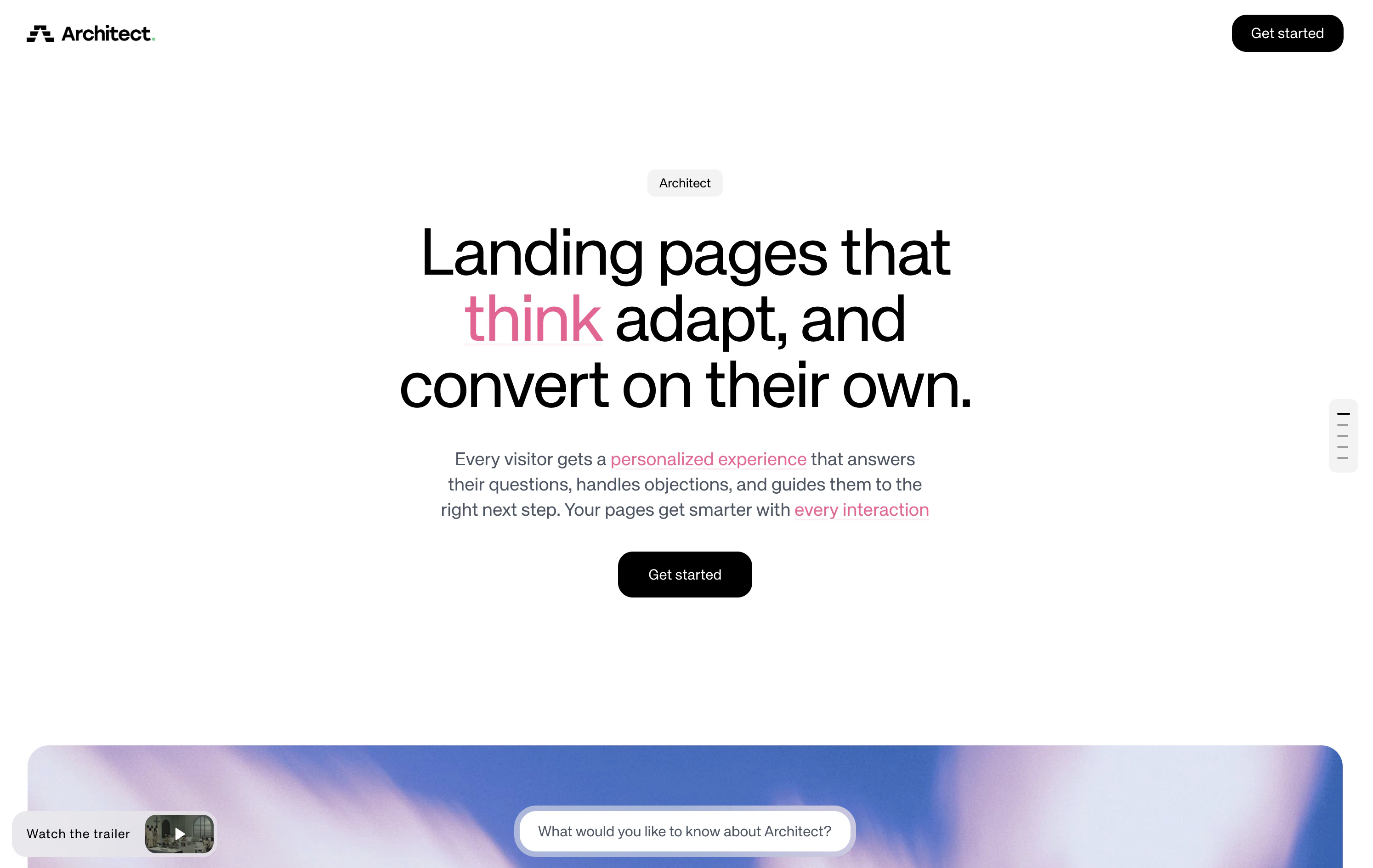
- Eyebrow - A short label or brand tag displayed as a pill/badge above the headline
- Main - The primary headline rendered as a large
h1, supports keyword highlighting for interactive hover metadata - Content - Supporting body copy below the headline (1-3 sentences)
- CTA buttons - A primary and optional secondary call-to-action button (supports
open-url,copy-text, andformaction types) - Image - An optional hero image displayed alongside the text content
- Background image / color - An optional full-bleed background behind the entire Hero section
Layout formats
The Hero supports two layout formats:- Row (default) - A side-by-side two-column layout with text content on the left and the hero image on the right. This is the recommended format when a hero image is provided.
- Column - A vertically stacked layout where all content is centered on the page. The image (if present) appears below the text.
TextContainer
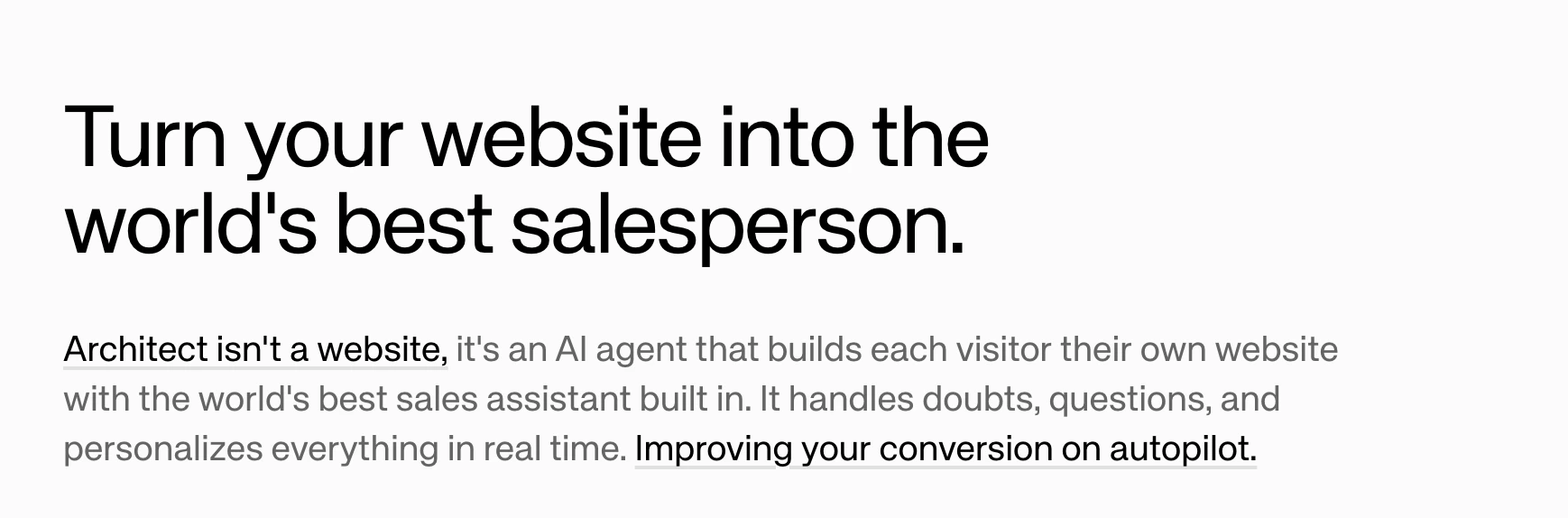
- hero - Large heading for the start of a page
- headline - Section heading for content breaks
- body - Standard paragraph text
ImageContainer
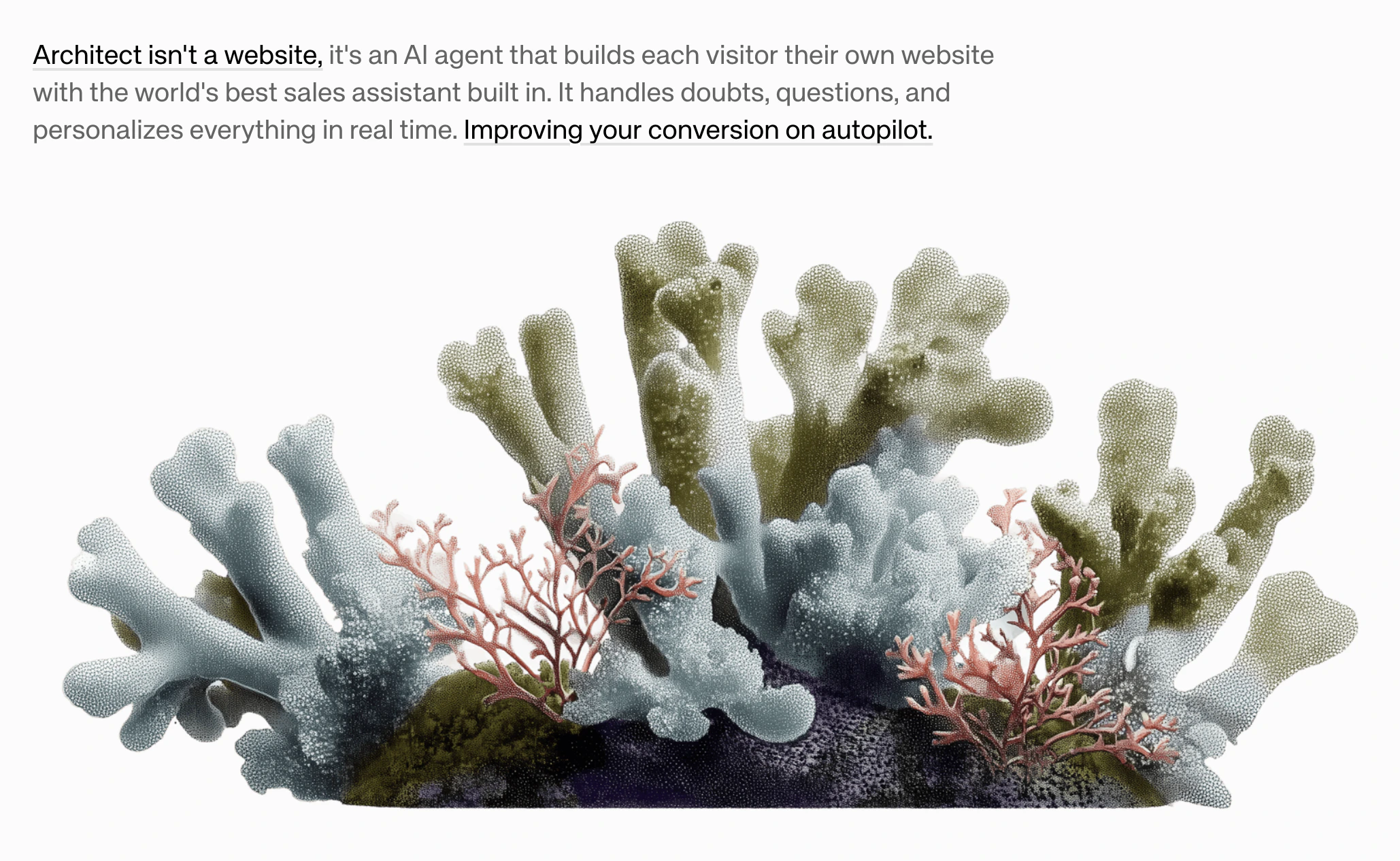
- small - 60% width, centered
- medium - 100% width (default)
- large - 60vw (breaks out of container)
- full - 100vw (full bleed)
VideoContainer
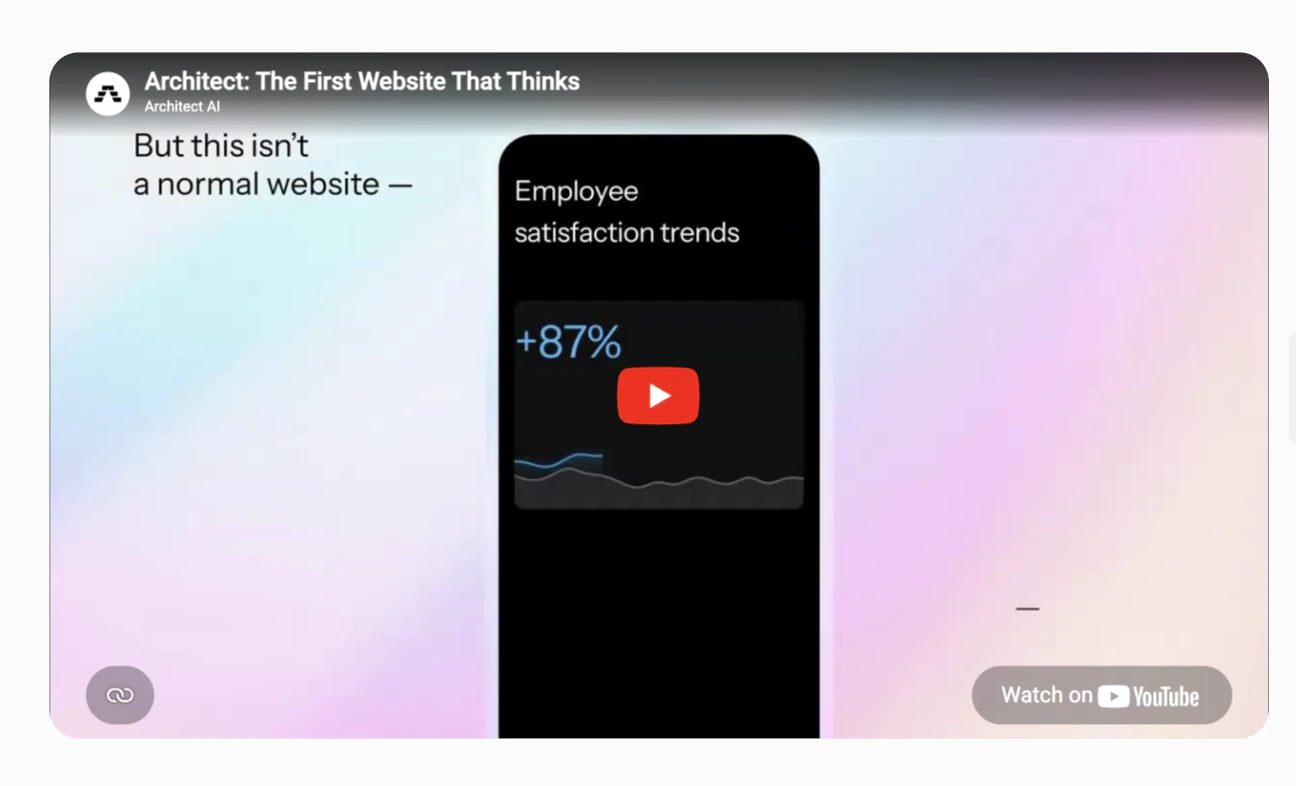
Table
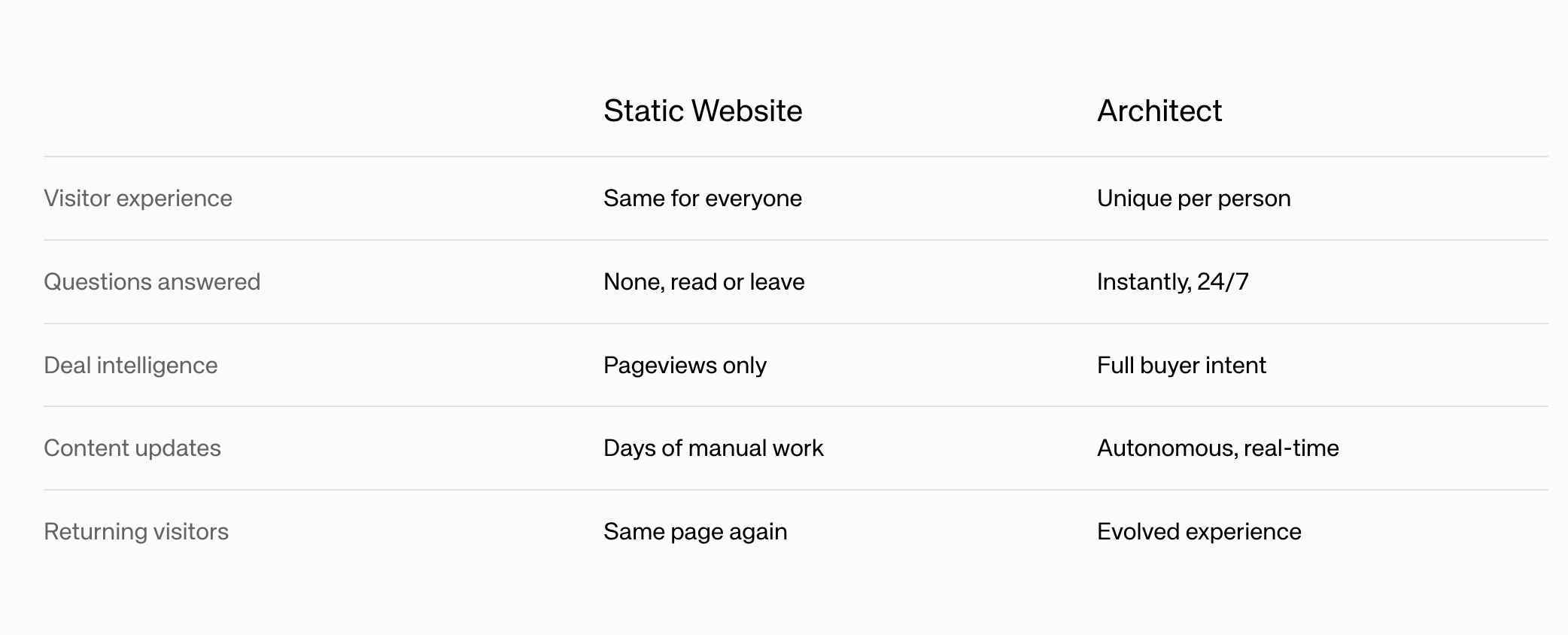
highlightedColumnIndex to the 0-based index of the column you want to emphasize, or leave it unset for no highlight.
FeatureCards
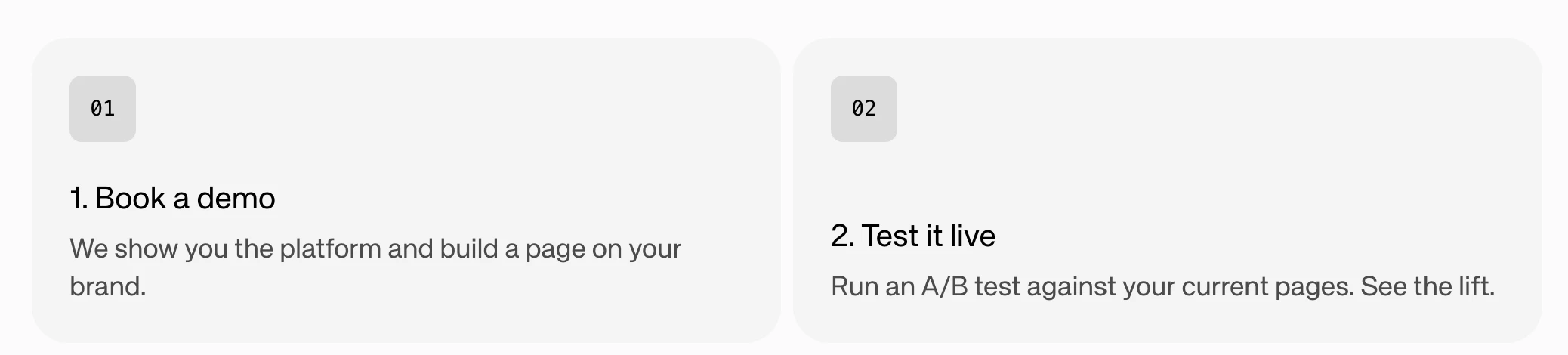
- Headline (2-5 words)
- Content description (1-2 sentences)
- Optional icon
- Optional feature image
With images
FeatureCards also support an image mode where each card includes a prominent visual alongside the text content.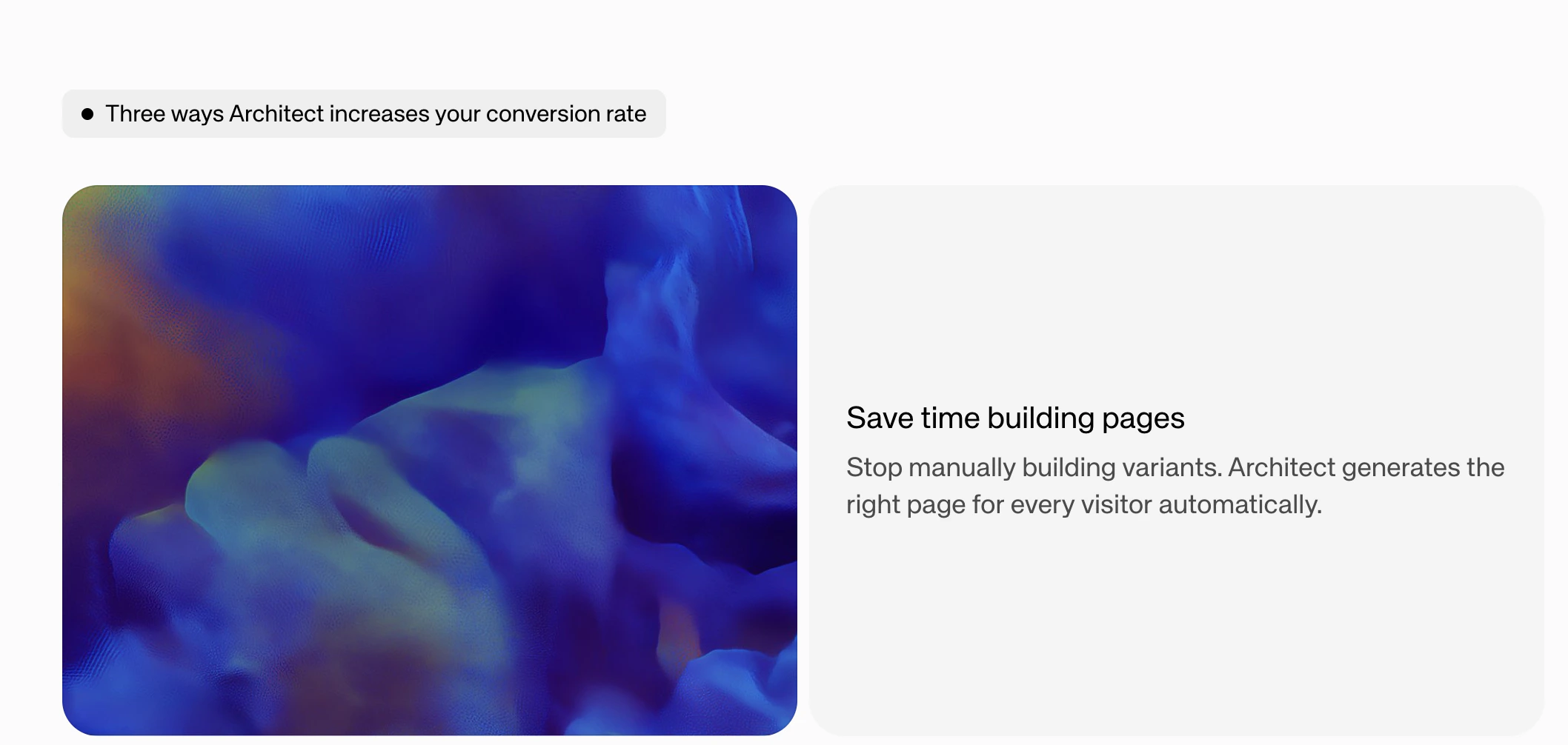
imageMode: fill (photos) or contain (diagrams/logos).
Frame
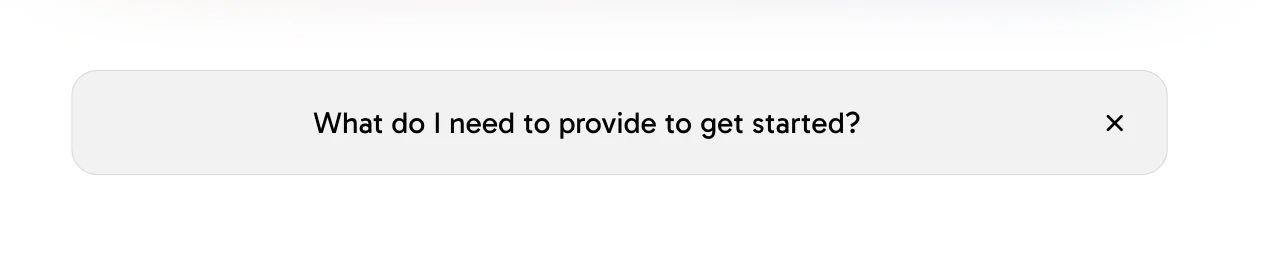
- FAQ-style expandable sections
- Progressive disclosure of detailed information
- Grouping related content with show/hide functionality
FrameList
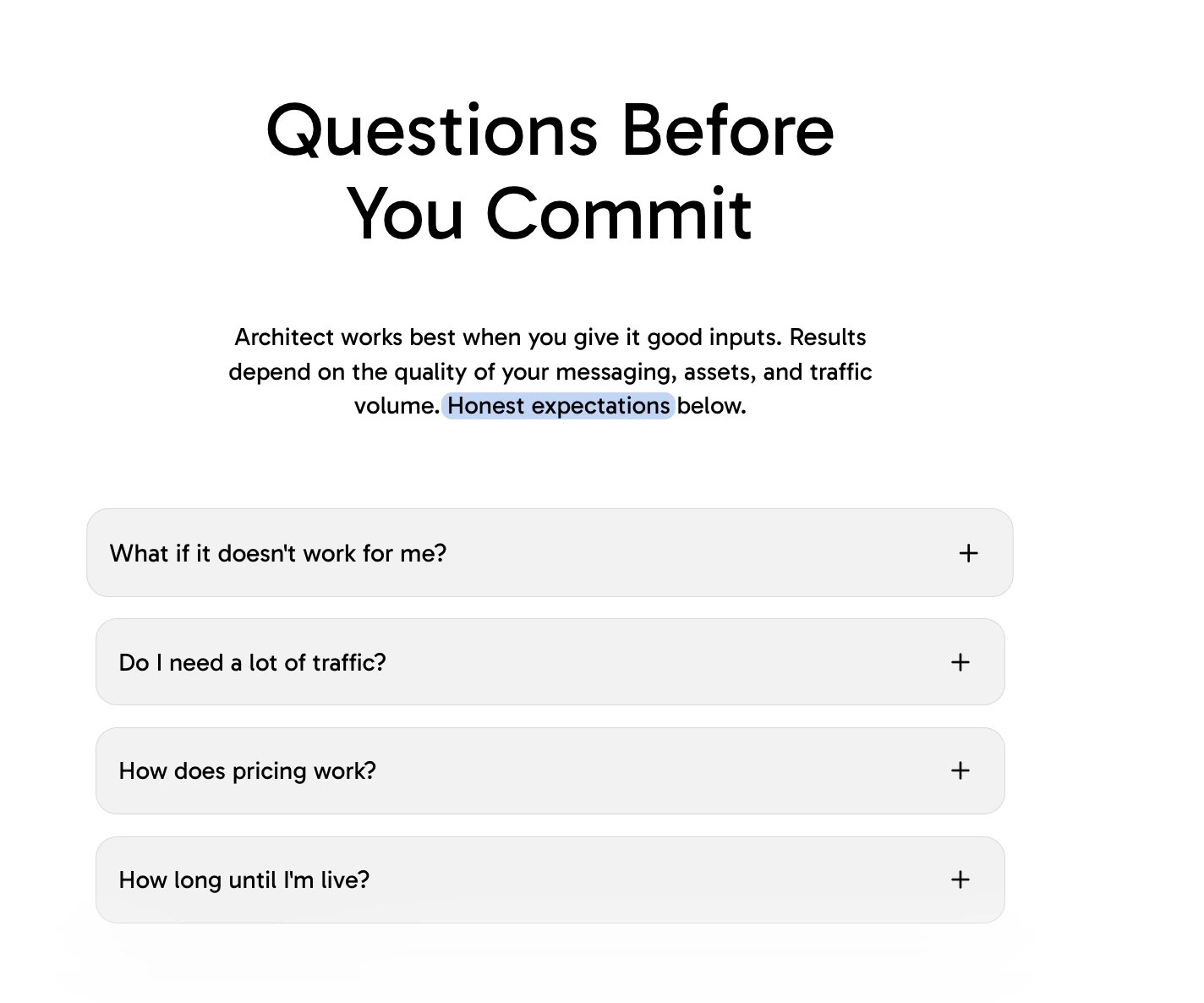
TestimonialCarousel
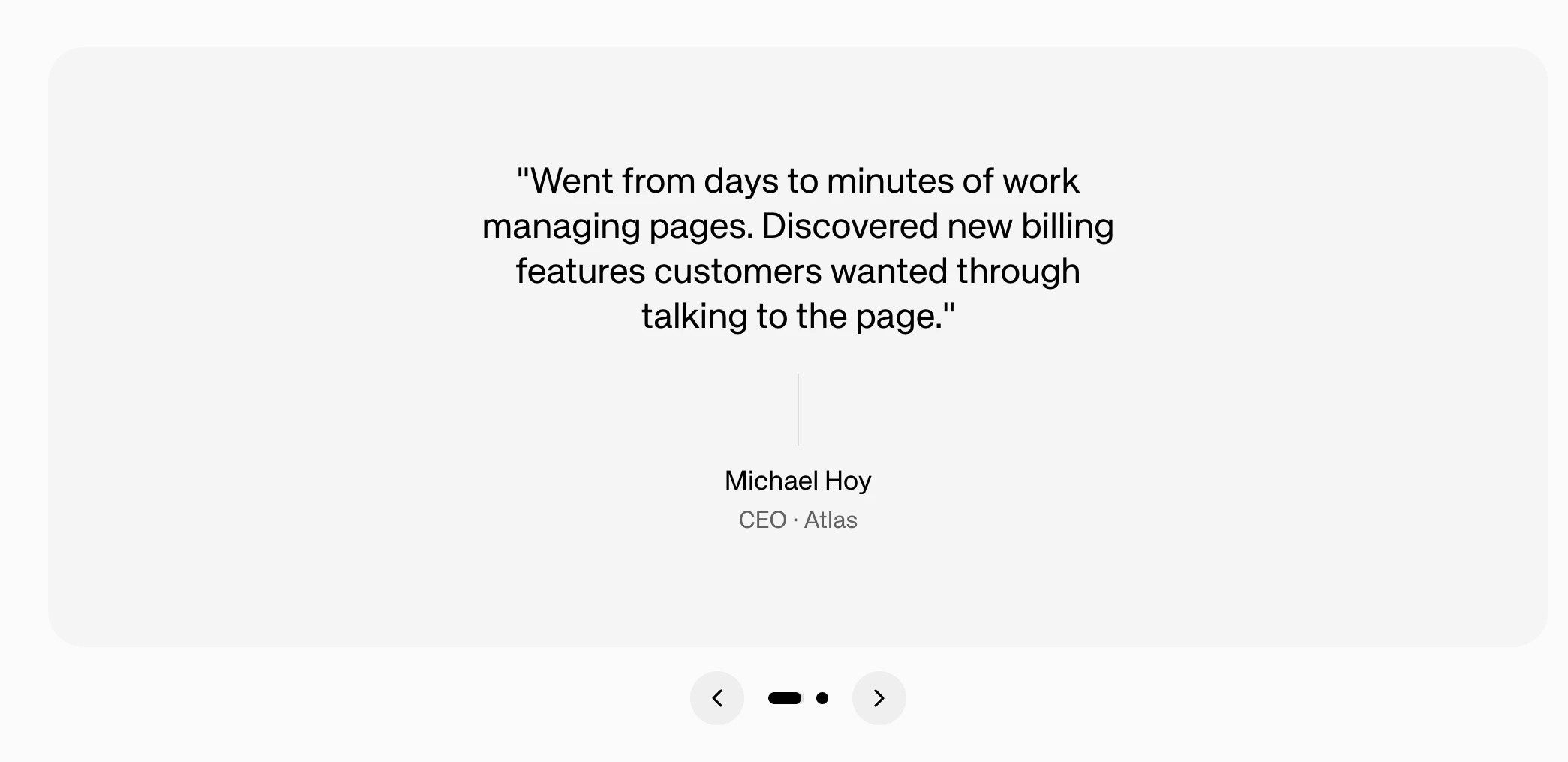
- Quote text (15-40 words, customer’s voice)
- Author name
- Optional title/role
- Optional company name
CallToActionCard
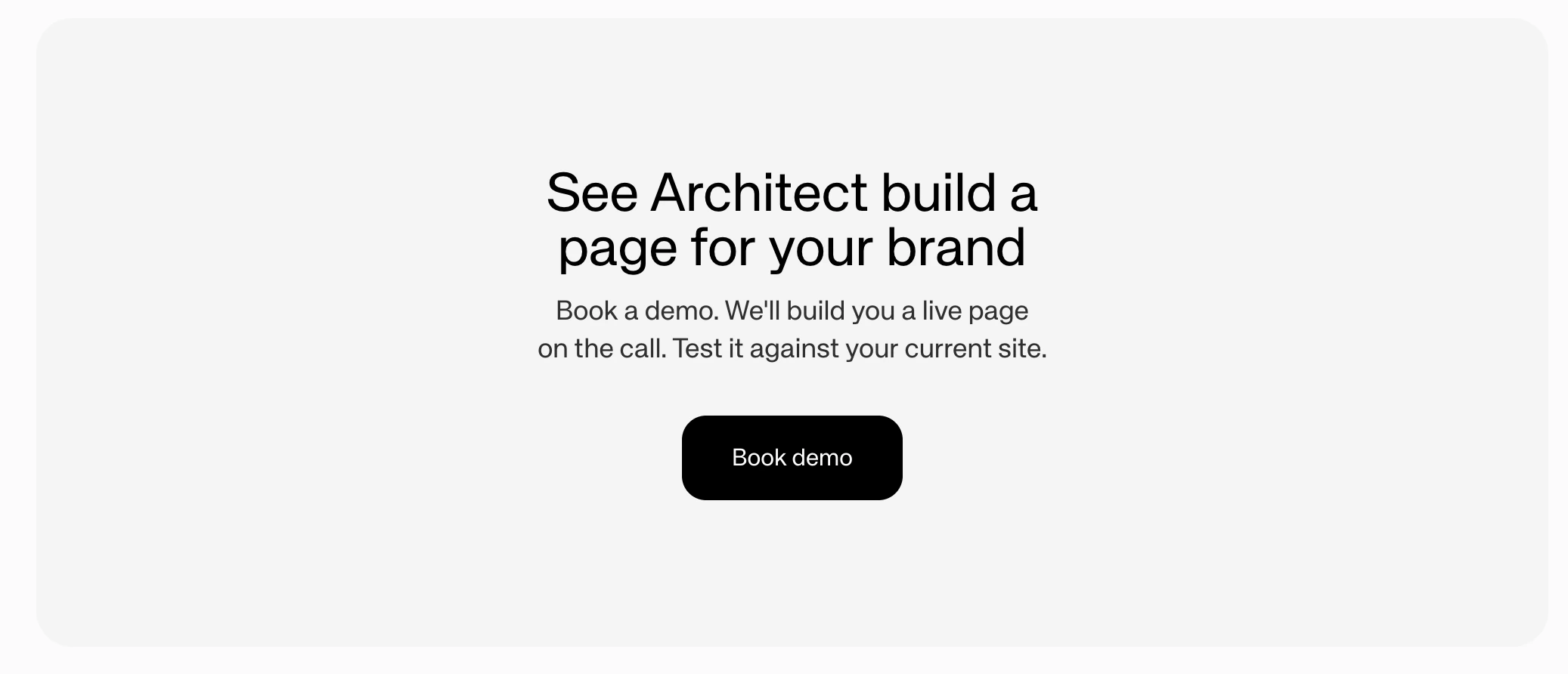
- open-url - Navigate to a URL
- form - Open an email capture form modal
Threads
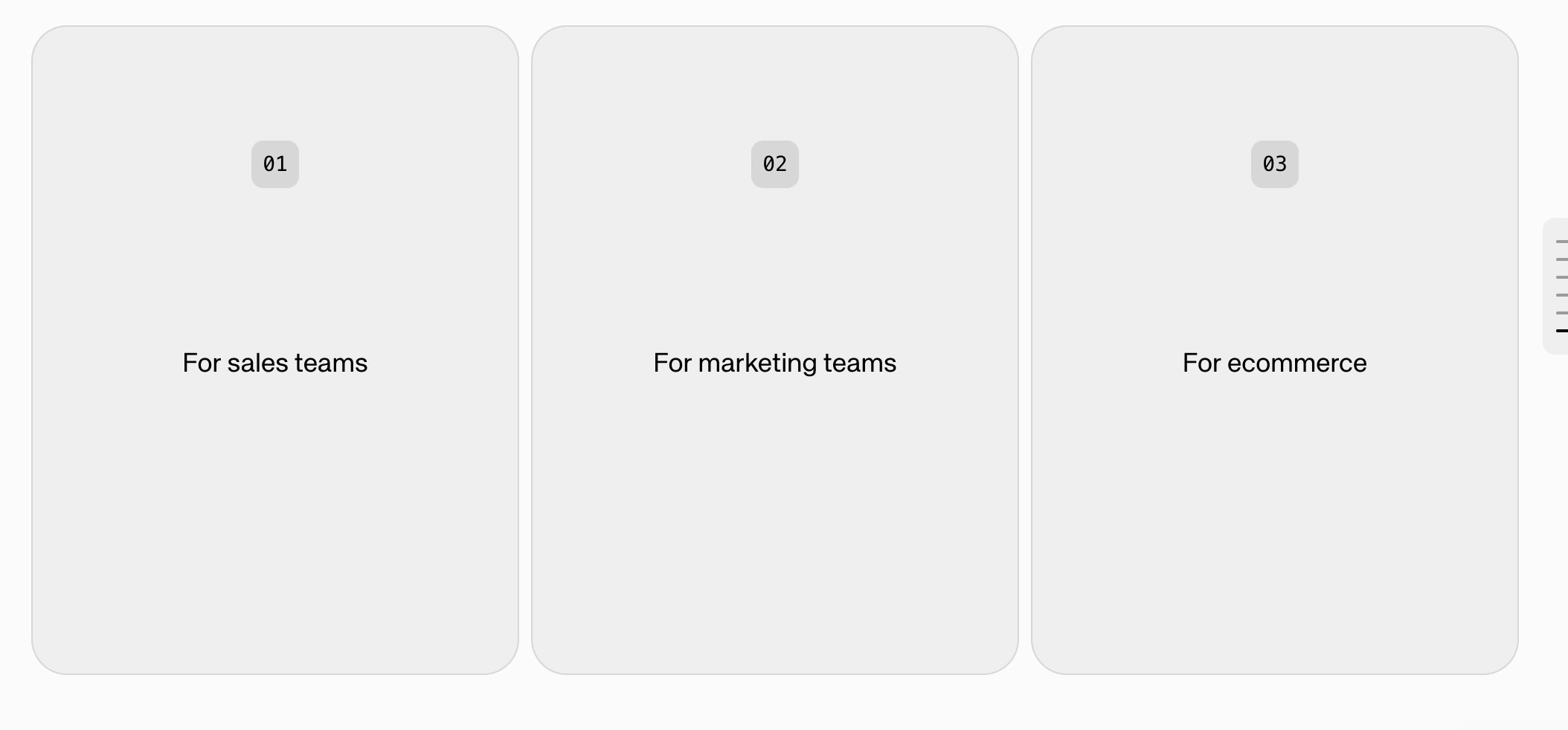
- Presents a question with 2-4 selectable options
- Each option has a label and action
- Qualifies users by gathering information (company size, needs, budget)
- Dynamically routes users to appropriate content paths
StatsCards
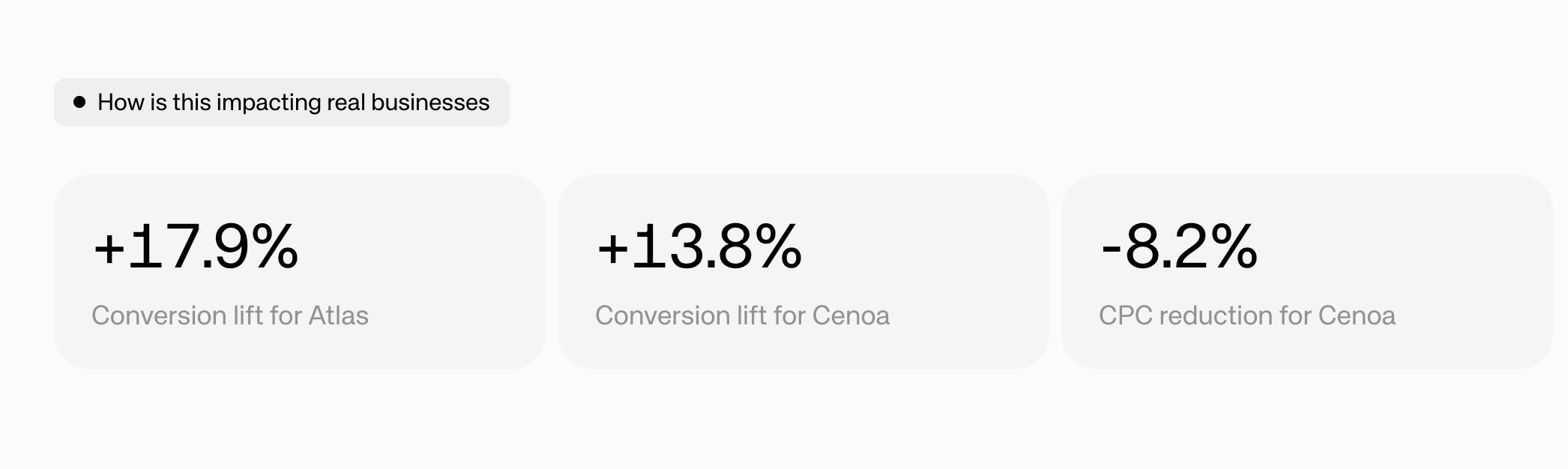
LogoMarquee

CustomComponent
Best Used For: Rendering custom or dynamic components that don’t fit into the standard slice types. Use this for specialized content that requires unique layouts or behavior beyond what the built-in slices provide.Footer
Best Used For: Adding a page footer with branding, links, or closing content. This is a page-level component that appears at the bottom of the page.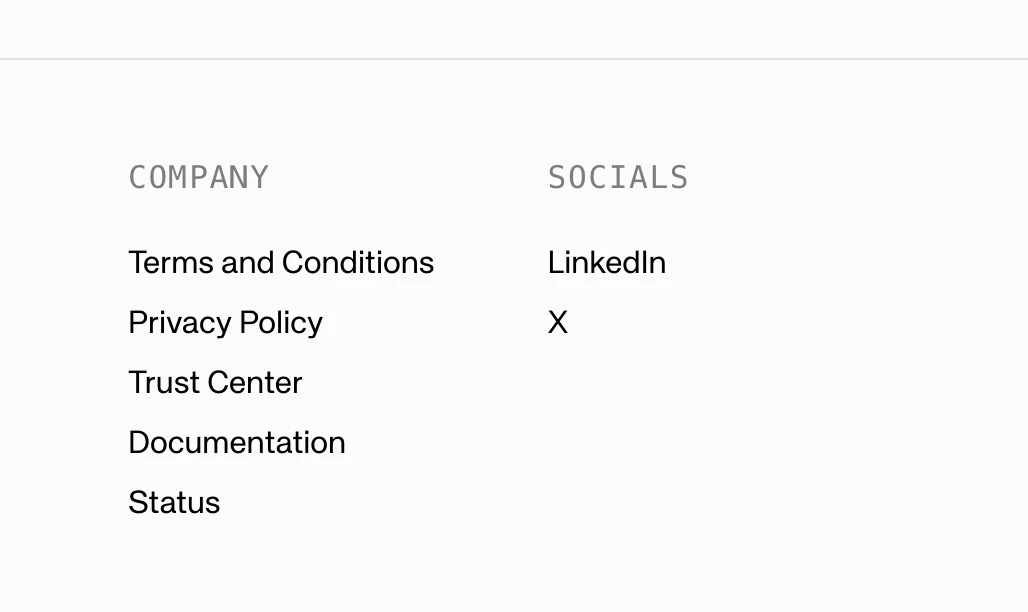
Action Widgets
Action widgets are page-level, static components that are set on the page to show trust. We recommend setting these up.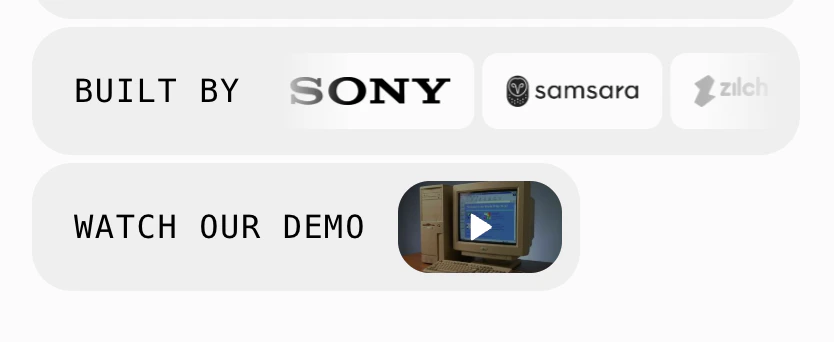
Left Hand Side CTA
This is the main CTA that follows the user on the page. It is set at the page level as well.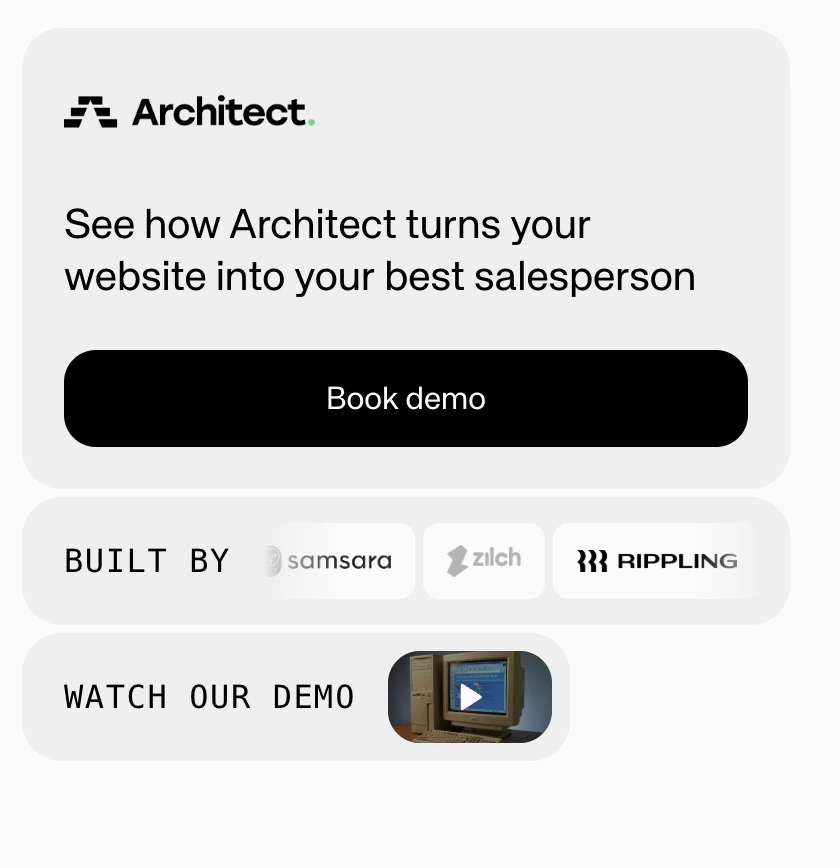
Question Bar
The question bar is a constant bar that sits at the bottom of the page where visitors can ask questions. When a user asks a question, more components will automatically generate at the end of the page.